
INSTRUCTIONS FOR OPENING AN ACCOUNT ON THE STUDENT PORTAL FOR EXAM REGISTRATION
EVERY STUDENT IS OBLIGATED TO OPEN AN ACCOUNT FOR ELECTRONIC EXAM REGISTRATION.
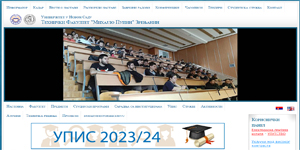
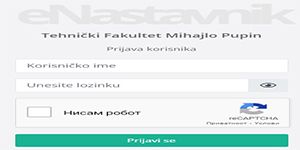
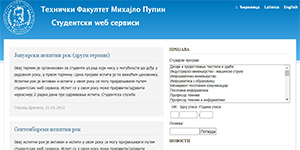
THE LOGIN APPLICATION IS LOCATED ON THE WEBSITE OF THE FACULTY ON THE HOME PAGE, ON THE RIGHT SIDE OF THE SCREEN (MARKED IN RED):
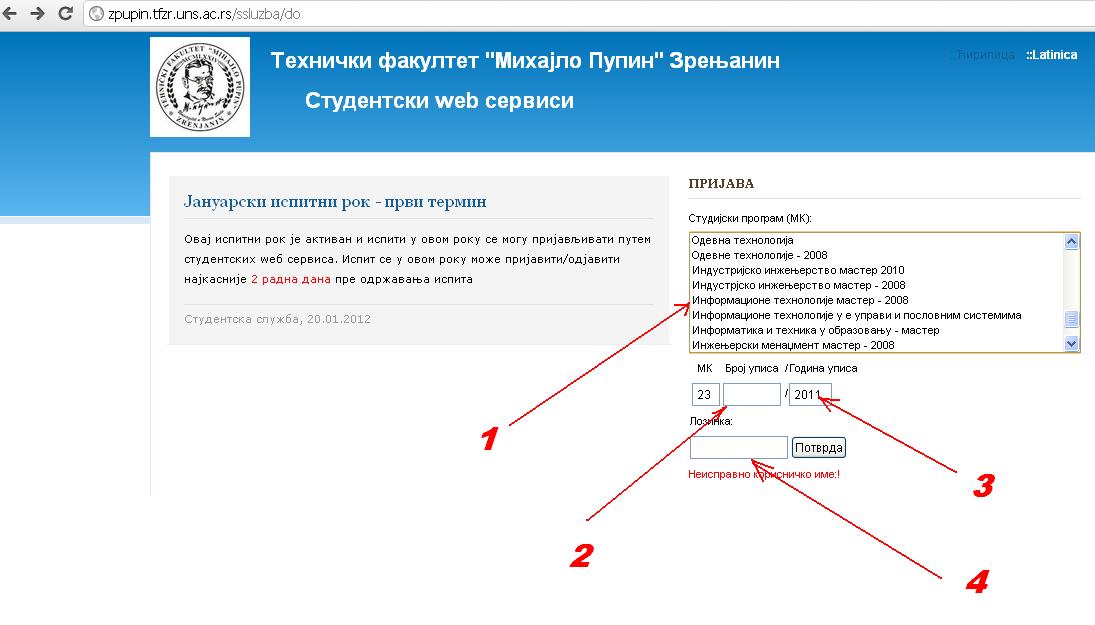
Here is a quick guide to accessing the system:
1. Choose a study program (the year in the name refers to the year of accreditation)
2. Enter the index number
3. Enter the year of registration with 4 digits (2011)
4. Enter JMBG
5. In the new window, change the password and enter your email address
Check the data, and enter the call number on the payment slip.
For any difficulties in work, or incorrect data, please contact the email of the student service for the time being: kockar@tfzr.uns.ac.rs
Do not forget to write the no. giro account of the Faculty! It is the same as before. In the example, a payment slip is given without a giro account, which does not mean that it should not be entered.
GIRO ACCOUNT NUMBER IS NECESSARY.
Electronic examination registration - INSTRUCTIONS
Login is accessed as follows:
By clicking on the link: http://zpupin.tfzr.uns.ac.rs/ssluzba/ the exam registration portal opens
1. Step
In the first line, you must type in order: the register number, then the index number and the school year of enrollment.
For example. For the index number IM1/19, type: (study program is selected in the drop-down menu)
In the second line, you must type the correct JMBG
2. Step
When you fill in the required data like this, three new fields will open on the left side of the screen, where you will enter your password, confirm it, and your e-mail address (like when you open an account on one of the social networks).
If you have done everything correctly, your page will open, where you will be able to update your data, choose optional subjects (this one is not yet operational but will be soon) and register for exams starting from the January exam period. Every next time you will log in with only the index number and password
VIDEO:
Vice Dean for Education
prof. Dr. Dragana Glusac